
SeaTrainer · Android
SeaTrainer on your phone
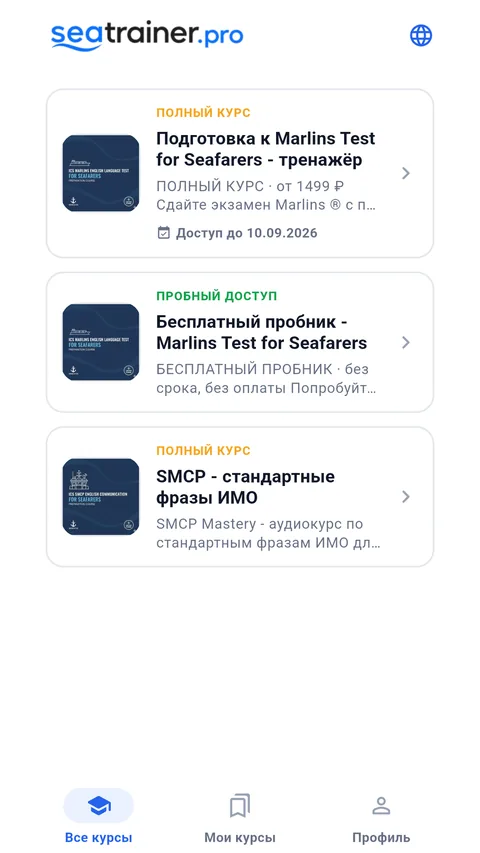
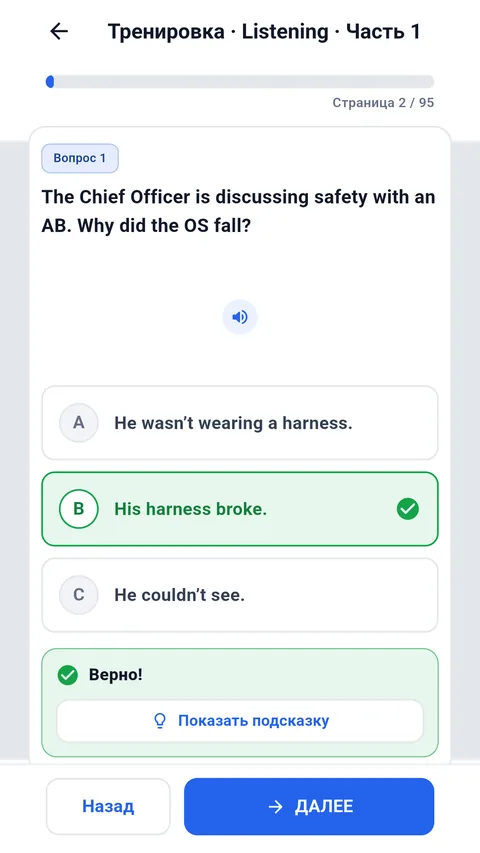
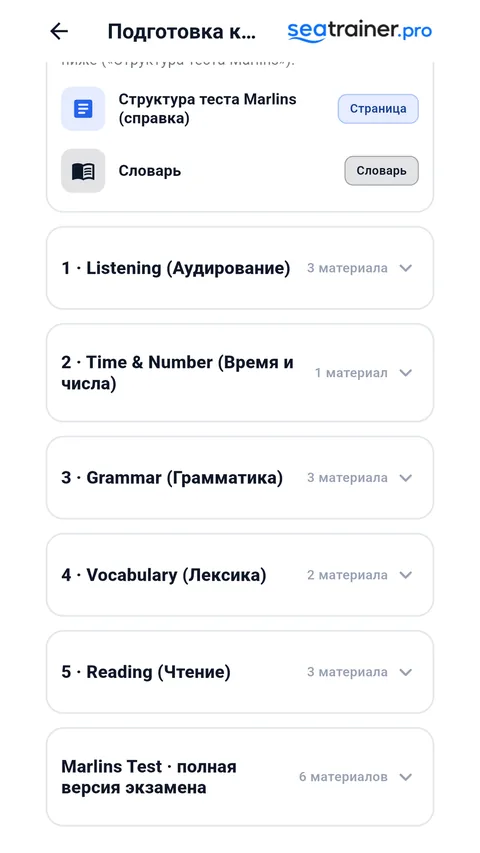
Prepare for Marlins Test and study SMCP phrases wherever you are. Download the app from your preferred store and sign in with your Seatrainer account.


Free to install · Russian and English interface
- Download course materials and audio before your trip to study offline.
- Try the free Marlins sampler in the app.
- Your website account and paid course access work in the app.
How to start
1Install SeaTrainer
Choose Google Play or RuStore and install the app on your Android phone.
2Sign in
Use the same email or Yandex account as on the website. New users can create an account in the app.
3Open a course
Start with the free Marlins sampler or open a course you already have access to.
4Prepare for offline study
Download the course while connected to the internet. Check that materials and audio open before your trip.
Questions about the app
Which store should I choose?
Choose whichever store you use on your phone. Both links lead to SeaTrainer for Android. To update an existing installation, use the store you installed it from.
Do I need to pay for the app?
Installation is free. The Marlins sampler is available without payment. Full course access is purchased separately; existing access on your website account also works in the app.
Can I study without the internet?
Yes. Download the course materials and audio in advance while online. Offline tests run in training mode. Connect to the internet for sign-in, downloads and synchronisation.
Can I use an iPhone or a computer?
Open Seatrainer in your browser on your phone, tablet or computer. Use the website links below to access the courses.
Study in your browser
The courses also work on a phone, tablet or computer. Sign in with the same account.
Open my account